Deposit & Withdraw
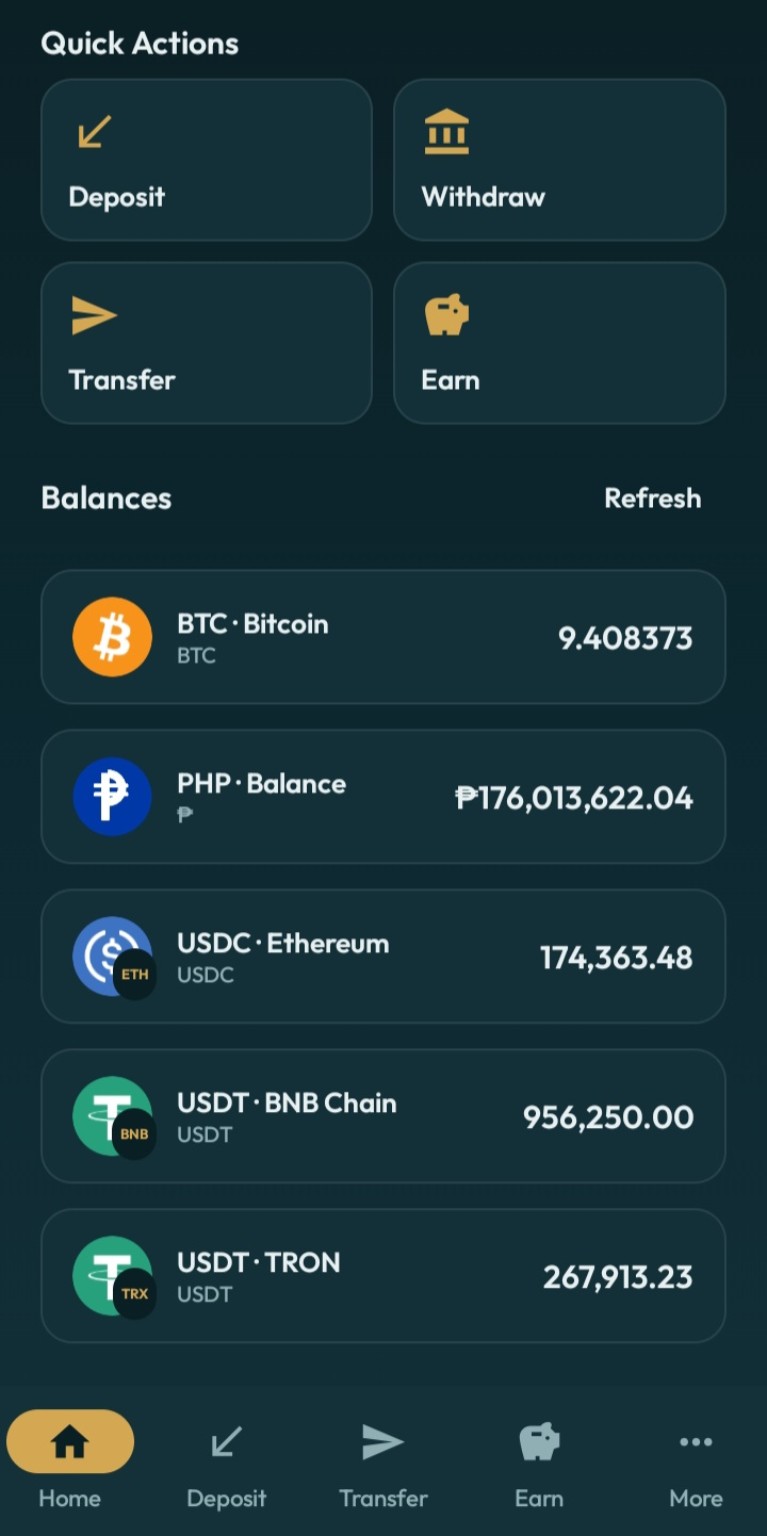
Receive supported Crypto Networks and withdraw Crypto or PHP using supported payout methods.
 ZuZu
Official ZuZu Android APK
ZuZu
Official ZuZu Android APK
Download the official ZuZu Wallet APK for fast access to deposits, withdrawals, instant ZuZu transfers, swaps, PHP conversions, and Earn.
For Android Devices. Downloaded directly from download.zuzuwallet.com.
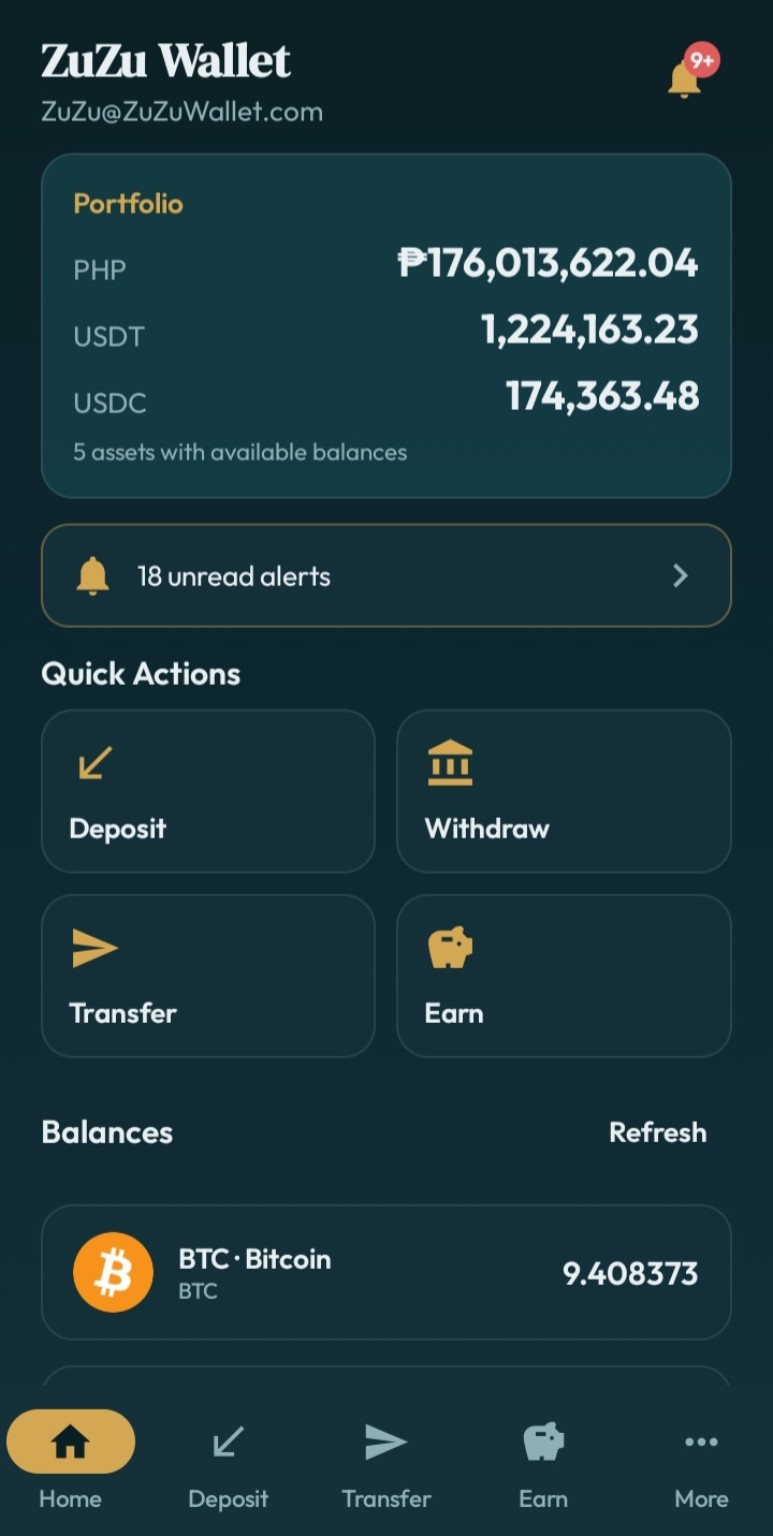
Manage Crypto and PHP from one polished Android experience.
Receive supported Crypto Networks and withdraw Crypto or PHP using supported payout methods.
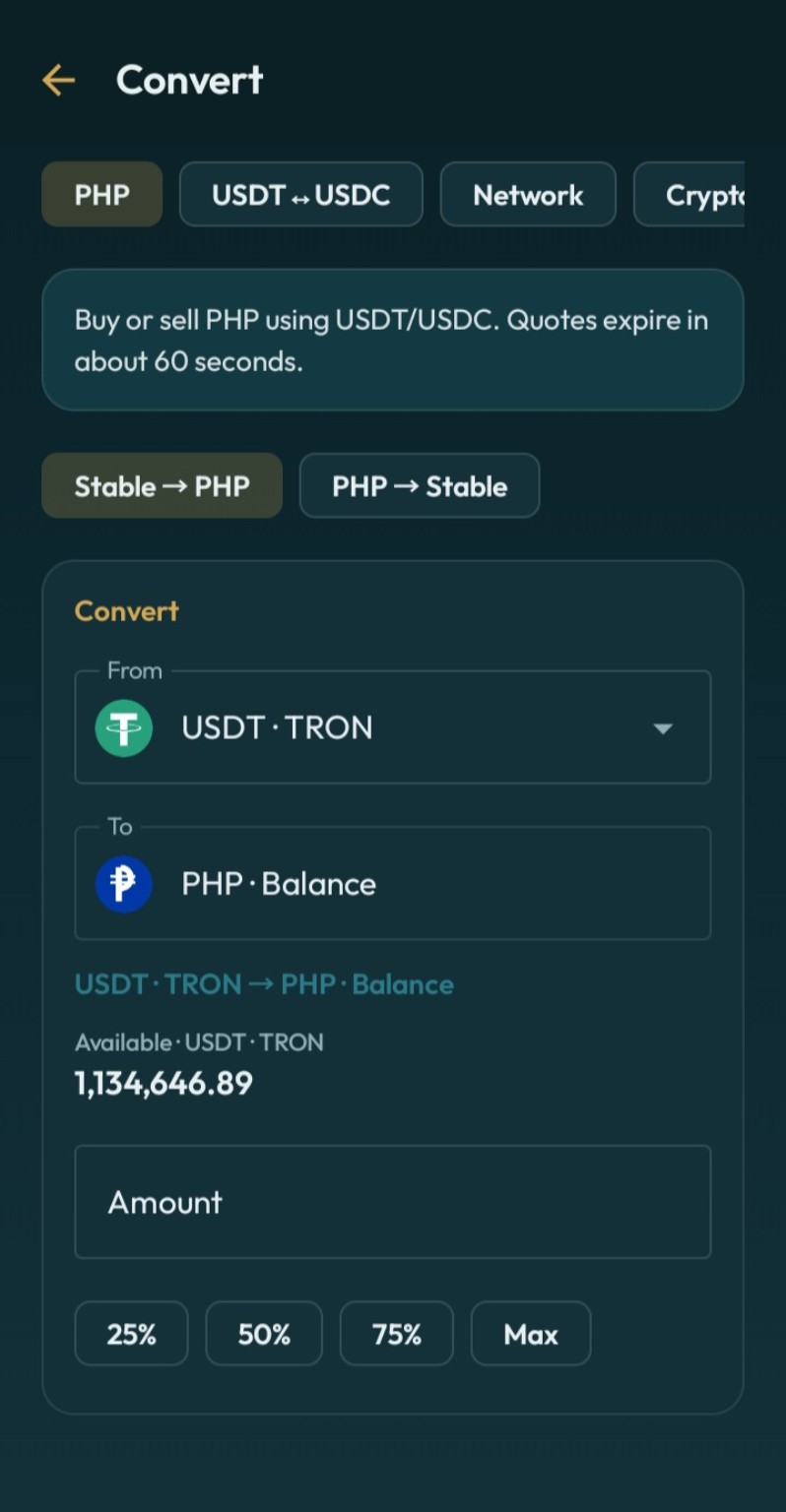
Convert between PHP, USDT, USDC, BTC, ETH, BNB, TRX, and supported networks with clear review screens.
Send supported assets to another ZuZu user using their username or email, with instant internal transfers.
Choose flexible rewards or fixed terms for eligible USDT, all from inside your ZuZu account.
Create payment links and QR codes, receive requests, and keep your recent activity easy to follow.
A dedicated Android app with app lock, passkey support, push notifications, and deep links.
ZuZu supports modern authentication and approval methods designed to protect access to your account and sensitive actions.
Balances are kept separate by network. Always choose the network that matches the sender and receiver.
Download the APK, open it, and follow the Android prompts. The screens may look a little different depending on your phone.
On some Android phones, Play Protect may show “Play Protect hasn't seen an app from this developer before.” If you see the screen below while installing ZuZu, tap More details and then Install anyway to continue.
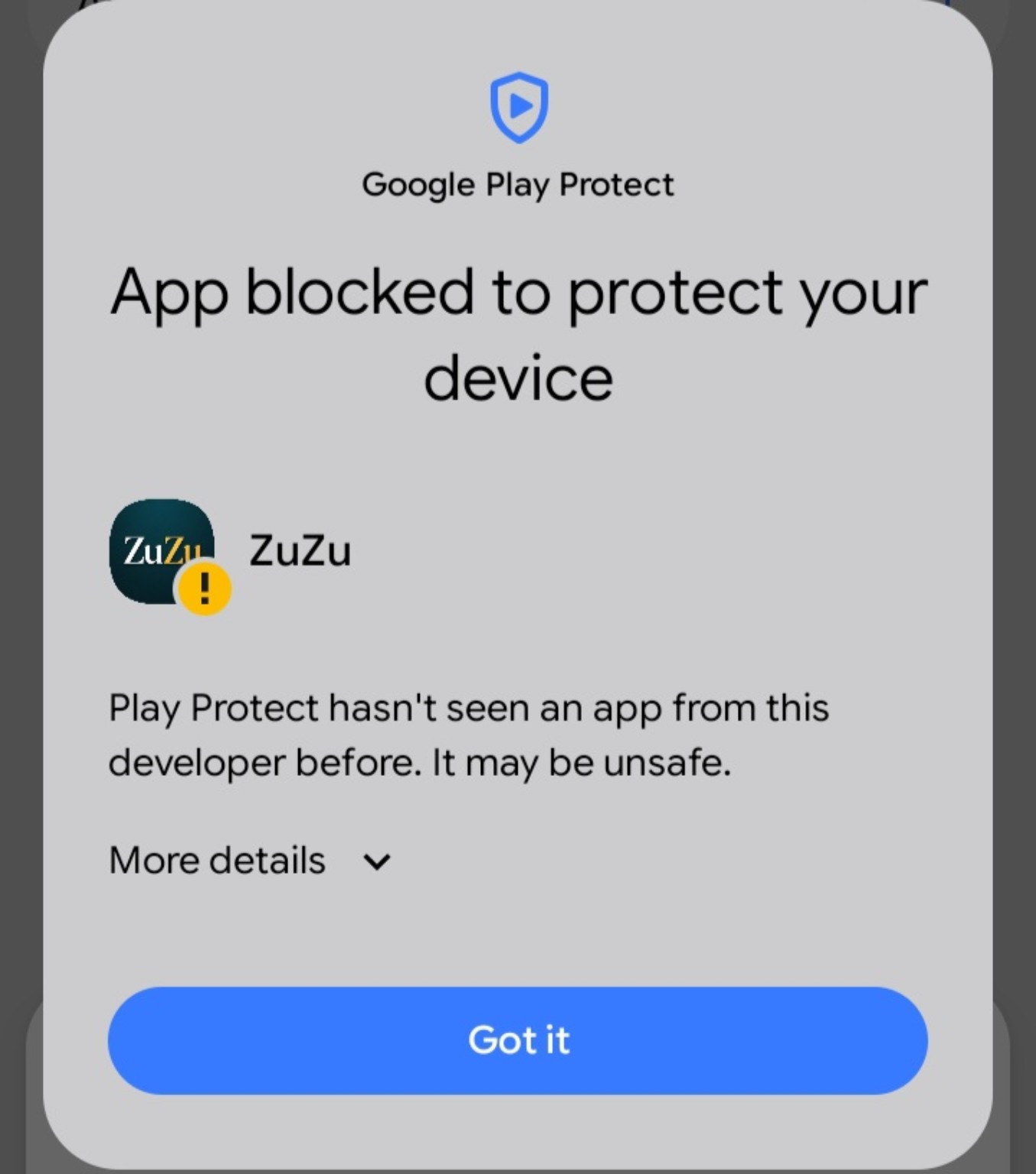
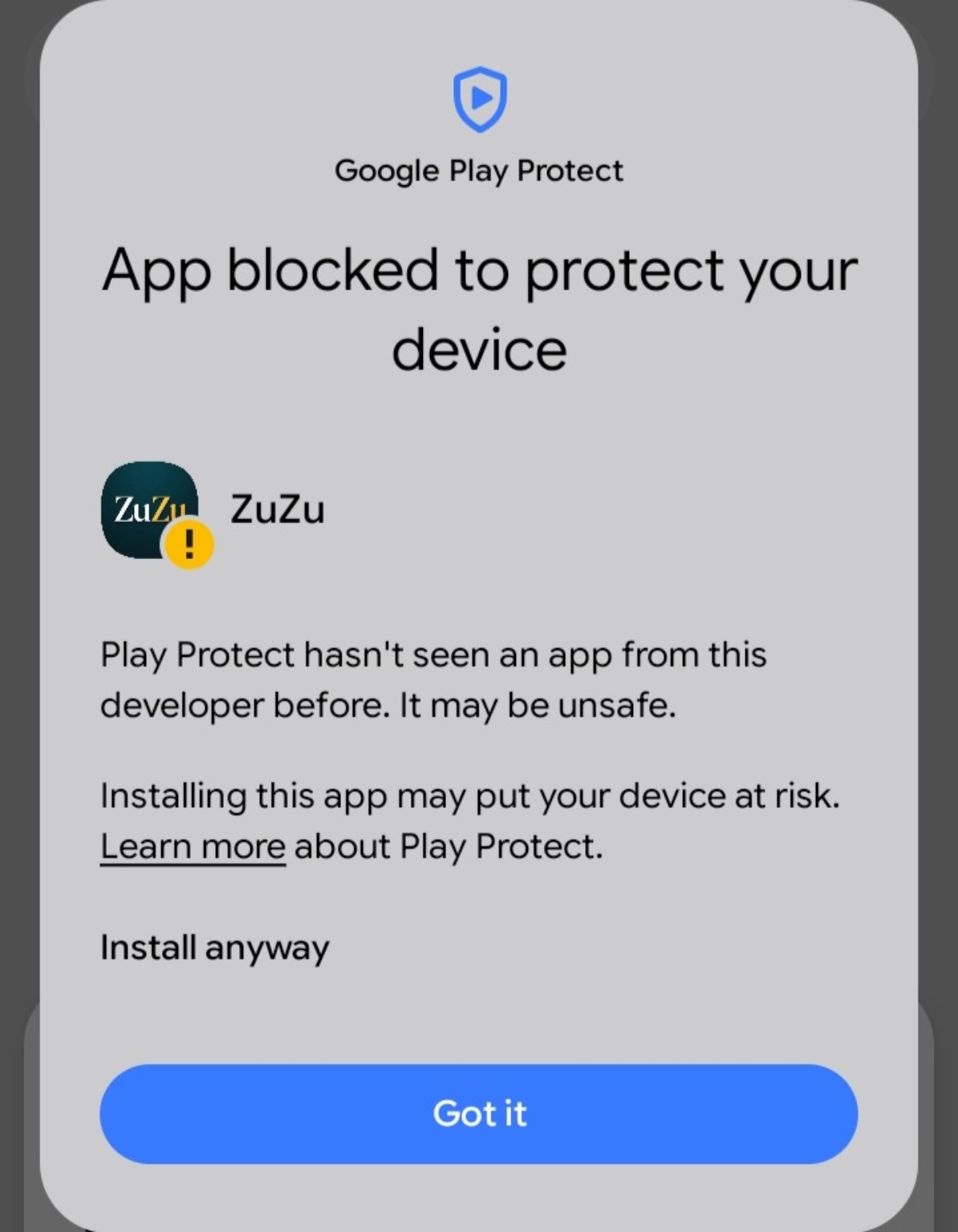
Quick tip: You do not need to change your Play Protect settings. Just use More details and Install anyway on the screen shown above.
Tap Download APK on this page and wait for ZuZu.apk to finish downloading.
Open ZuZu.apk from your browser or Downloads app.
If Android asks, turn on Allow from this source for the browser or Downloads app you are using, then go back to the installer.
If the screen shown above appears, tap More details, then tap Install anyway.
Wait for Android to finish installing, then tap Open and sign in to your ZuZu account.
Compare this checksum with the APK you downloaded to verify the file matches the published release.
Follow product updates or open the ZuZu Telegram Bot from the official links below.
Yes. This is the ZuZu Wallet Android download page at download.zuzuwallet.com.
Play Protect may show this message when it has not seen an app from the developer before. On the screen shown above, tap More details, then tap Install anyway to continue installing ZuZu.
Android asks for this permission when you install an APK directly. Turn on Allow from this source for the browser or Downloads app you are using, then return to the installation.
Updating the official app normally replaces the existing app installation. Your ZuZu account is tied to your account credentials, not to a single APK file. Keep your sign-in and security methods available.
Yes. ZuZu supports passkeys and authenticator-app verification for supported security flows.
USDT is supported on TRC20, BEP20, ERC20, and Arbitrum. USDC is supported on BEP20, ERC20, and Arbitrum. Always verify the selected network before sending funds.